How to Start a Faceless YouTube Channel in 48 Hours Using Only AI Tools
On this page
- First, Pick Your Niche (Before the Clock Starts)
- Phase 1 (Hours 1-4): Channel Setup, Branding, and Niche Research
- Phase 2 (Hours 5-12): Script Your First 5 Videos Using AI
- Phase 3 (Hours 13-24): Produce All 5 Videos
- Phase 4 (Hours 25-36): Thumbnails, Titles, Descriptions, and SEO
- Phase 5 (Hours 37-48): Upload, Schedule, and Publish
- What Happens After the First 48 Hours
- Staying Compliant with YouTube's 2026 AI Content Policies
- Your 48-Hour Checklist (Quick Reference)
You do not need a camera, a studio, or six months of planning to launch a YouTube channel in 2026. You do not even need to show your face.
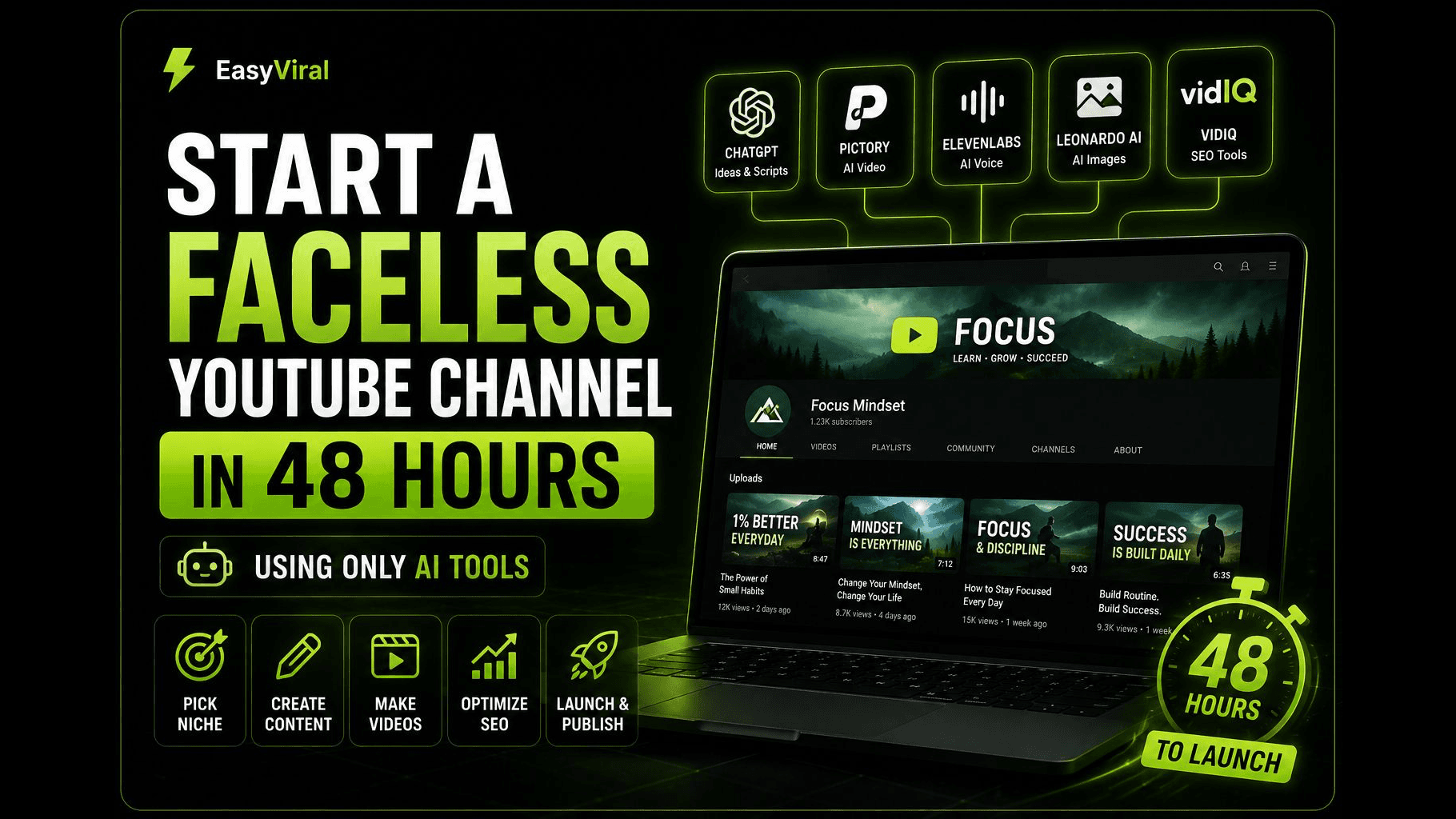
With the right AI tools and a focused weekend, you can go from zero to a live, publishing faceless YouTube channel in 48 hours. Not a half-finished project sitting in drafts. A real channel with branding, optimized SEO, and your first batch of videos scheduled and rolling.
This guide breaks the process into five phases, hour by hour. Whether you have video experience or none at all, the 48-hour timeline is realistic. Here is how.
First, Pick Your Niche (Before the Clock Starts)
Before you sit down for your 48-hour sprint, you need one decision made: your niche.
This is the single biggest factor in whether your channel gains traction or stalls. The best faceless niches combine three things: high viewer demand, strong ad rates (RPM), and content that works well without a face on screen. Think finance explainers, tech tutorials, history deep dives, health and wellness tips, or motivational compilations.
If you have not settled on a niche yet, check out our guide to faceless channel ideas ranked by RPM for a detailed breakdown of what is working right now and what each niche actually pays.
Once your niche is locked in, the clock starts.
Phase 1 (Hours 1-4): Channel Setup, Branding, and Niche Research
The first four hours are all about building the foundation.
Create Your Google Account and YouTube Channel
If you do not already have a dedicated Google account, create one. Head to YouTube Studio and create a new channel. Use a name that signals your niche clearly. "Wealth Decoded" tells viewers more than "Mike’s Videos" ever will.
Design Your Branding with AI
Open Canva (the free plan works) or Midjourney ($10/month) to generate a channel logo and banner. Keep it clean and niche-relevant. A finance channel might use gold tones and clean typography. A horror story channel might go dark with bold red accents. For your profile picture, an AI-generated icon or abstract logo works perfectly.
What to complete in Phase 1:
- Channel name selected and created
- Profile picture and banner uploaded
- Channel description written (include your target keywords naturally: what the channel covers, who it is for, upload schedule)
- Channel keywords added in YouTube Studio under Settings > Channel > Basic Info
- Links to any social accounts or website added
- Default upload settings configured (language, license, category)
Research Your First 10 Video Topics
Spend the last hour of this phase on topic research. Use a tool like VidIQ ($0 for the free tier) or TubeBuddy ($3.60/month for Pro) to find keywords in your niche with decent search volume and manageable competition. You are looking for topics where people are actively searching but the top results are beatable.
Write down 10 video ideas. You will script the first five during Phase 2, and the remaining five give you a content runway for the following week.
Phase 2 (Hours 5-12): Script Your First 5 Videos Using AI
Scripting is where AI saves you the most time compared to traditional production. A 10-minute YouTube script is roughly 1,500 words. Writing five of those from scratch could take days. With AI, you can produce all five in a single sitting.
How to Script with AI (Without Sounding Like a Robot)
Open ChatGPT or Claude (both have free tiers that work for this). For each video, follow this process:
- 1Start with a research prompt. Ask the AI to research your topic and outline the key points viewers would want to know.
- 2Request a structured script. Ask for a script with a hook (the first 15-30 seconds that stops the scroll), a clear body with 3-5 main points, and a closing with a call to action.
- 3Specify your tone. Tell the AI exactly how you want it to sound. Conversational, authoritative, slightly humorous, whatever fits your niche. The more specific you are, the less robotic the output.
- 4Edit every script yourself. This is not optional. Read each script out loud. Cut anything that sounds stiff or generic. Add your own phrases, opinions, or examples. This is what separates channels that grow from channels that get buried by YouTube's quality filters.
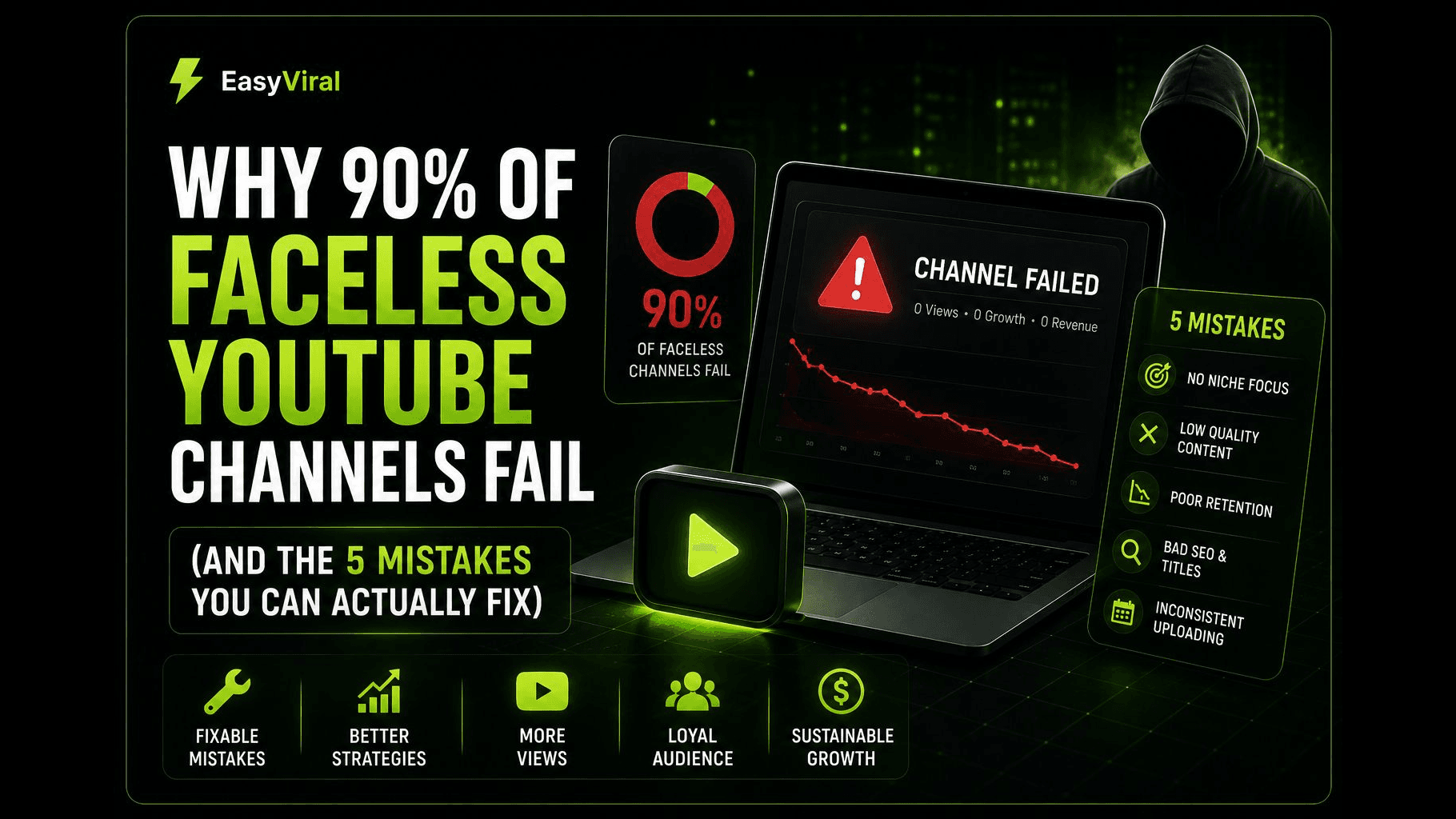
YouTube has been increasingly strict about low-effort AI content. Scripts that sound templated or add no original perspective can hurt your channel's reach. The AI gives you a fast first draft. Your edits make it worth watching.
Budget for this phase: $0-$20/month (ChatGPT Free or Claude Free handle this easily; paid tiers give longer outputs)
Structure Every Script for Retention
- Hook (0-30 seconds): Open with a question, a surprising fact, or a bold claim. Never start with "Hey guys, welcome to my channel."
- Body (30 seconds to 8-9 minutes): Deliver on the promise of your title. Use numbered points, story arcs, or before/after frameworks.
- CTA and close (final 30-60 seconds): Ask viewers to subscribe, suggest another video, or pose a question for the comments.
Phase 3 (Hours 13-24): Produce All 5 Videos
This is the production phase. You are turning five scripts into five finished videos. With AI tools, this is faster than most people expect.
Step 1: Generate Voiceovers
ElevenLabs is the standard for AI voiceover in 2026. The Starter plan ($5/month) gives you 30,000 characters per month, which covers roughly 3-4 full-length videos. For five videos, you may need the Creator plan ($22/month) or you can split production across two months on the Starter tier.
Pick a voice that fits your niche. Test 3-4 options with a short paragraph from your script before committing. A calm, measured voice works for finance. A more energetic tone fits tech or gaming content.
Important note on AI voice disclosure: YouTube does not require you to disclose standard AI voiceovers that are not impersonating a real person. If you are using a generic AI voice (not cloning someone's voice), you are fine without the synthetic content label. More on compliance in the section below.
Step 2: Create or Source Visuals
You have several options here depending on your niche:
- Stock footage route: Platforms like Pexels and Pixabay offer free footage. Pictory ($19/month) can automatically match stock clips to your voiceover, saving hours of manual searching.
- AI-generated visuals: Midjourney or DALL-E can create custom images for topics where stock footage falls short. This works especially well for history, science, or storytelling channels.
- Screen recording: For tech tutorials or software walkthroughs, a free tool like OBS Studio captures your screen.
- All-in-one AI video tools: InVideo AI ($25/month) or Pictory can take your script and generate a full video with matched footage, transitions, and music automatically.
Step 3: Edit and Assemble
If you are using an all-in-one tool, much of the editing is handled for you. If you are assembling manually, CapCut (free) is the go-to editor for beginners. It handles cuts, transitions, text overlays, and captions without a steep learning curve.
Key editing priorities for faceless content:
- Add captions or subtitles (these boost retention significantly)
- Keep visual changes happening every 3-5 seconds to hold attention
- Add background music at low volume (YouTube's Audio Library is free and copyright-safe)
- Include simple motion graphics or text callouts for key points
Budget for this phase: $5-$50/month depending on your tool choices
The Cost Comparison That Makes This Worth It
Traditional freelance production for a single video in 2026 runs $155-$550 when you hire a scriptwriter, voiceover artist, and editor. An AI-powered workflow costs $50-$80/month total. At the budget end, your per-video cost drops below $2.
| Expense | AI-Powered | Traditional Freelance |
|---|---|---|
| Scripts (5 videos) | $0-$20/mo | $125-$500 |
| Voiceover (5 videos) | $5-$22/mo | $250-$750 |
| Editing (5 videos) | $0-$25/mo | $400-$1,500 |
| Thumbnails (5 videos) | $0-$13/mo | $50-$150 |
| Total for 5 videos | $5-$80 | $825-$2,900 |
Phase 4 (Hours 25-36): Thumbnails, Titles, Descriptions, and SEO
Your videos are produced. Now you need to package them so YouTube actually shows them to people.
Create Thumbnails That Get Clicks
Thumbnails are arguably more important than the video itself. A great video with a bad thumbnail gets zero views.
For faceless channels, your thumbnails need to work without your face as the focal point. Use bold text (3-5 words max), high-contrast colors, and a single strong image that communicates the video's topic instantly.
Tools for thumbnails:
- Canva Pro ($13/month) with its AI image generation features
- Midjourney ($10/month) for custom AI-generated imagery
- Photopea (free, browser-based Photoshop alternative) for manual touch-ups
Create a thumbnail template for your channel so every video has a consistent look. This builds brand recognition as viewers scroll through their feed.
Write Titles That Balance Curiosity and Clarity
Your title needs to do two things: include your target keyword and make someone want to click. A few frameworks that work:
- Number + outcome: "7 Passive Income Streams That Pay Daily in 2026"
- How-to + specific result: "How to Save $10,000 This Year Without Budgeting"
- Question format: "Why Are Millionaires Moving to Portugal?"
Keep titles under 60 characters so they do not get cut off on mobile.
Write Descriptions and Tags for SEO
Your description should include your primary keyword in the first two lines, a 2-3 sentence summary, timestamps for key sections, and relevant links. YouTube reads descriptions to understand what your video covers, so write them for both humans and the algorithm.
Use VidIQ or TubeBuddy to identify tags. Include your main keyword, 2-3 variations, and a few broader niche terms. Set up end screen templates in YouTube Studio that point to your other videos. Even with only five videos, cross-linking keeps viewers on your channel longer.
Phase 5 (Hours 37-48): Upload, Schedule, and Publish
The finish line. You have five produced, optimized videos ready to go live.
Upload and Configure Each Video
For each video in YouTube Studio: upload the file, add your title, description, and tags, upload your custom thumbnail, select the category, add end screens, and check the "Altered or Synthetic Content" box if applicable (see the compliance section below).
Set Your Publishing Schedule
Do not publish all five at once. A strong starting schedule is one video every 2-3 days. This gives YouTube's algorithm time to test each video with audiences before the next one drops. Schedule your first video to go live within 24 hours. Space the remaining four across the next two weeks.
Set Up Auto-Posting and Promote
If you plan to maintain a consistent cadence (and you should), setting up auto-posting now saves time every week. Once your first video is live, share it in 2-3 relevant subreddits or forums (add value, do not spam), post a short clip on TikTok or Instagram Reels as a teaser, and let any existing social following know your channel exists.
What Happens After the First 48 Hours
Launching is the easy part. Growing is where the real work begins.
The First 30 Days
Your priority is consistency. Aim for 2-3 new videos per week. The algorithm rewards channels that upload regularly, especially new ones.
Watch your analytics from day one. If your click-through rate is below 4-5%, your thumbnails or titles need work. If viewers leave before the halfway mark, your pacing needs adjustment. Check traffic sources to see whether views come from search, suggested videos, or external links.
The Path to Monetization
YouTube's Partner Program has two tiers in 2026:
Entry-level access (fan funding, Super Chats, channel memberships): 500 subscribers, 3 public uploads, and either 3,000 watch hours in the past year or 3 million Shorts views in 90 days.
Full ad revenue access: 1,000 subscribers and 4,000 watch hours in the past year, or 10 million Shorts views in 90 days.
With consistent uploads (3 per week) and solid SEO, reaching the entry-level tier in 60-90 days is realistic. Full monetization typically takes 3-6 months for channels that stick with it.
For a detailed look at what faceless channels actually earn once monetized, read our breakdown of how much faceless channels actually make.
Iterate and Improve
Your first five videos will not be your best. That is normal. Test different thumbnail styles, title formats, video lengths, and hooks. Double down on whatever your analytics say is working.
Staying Compliant with YouTube's 2026 AI Content Policies
YouTube has not banned AI-generated content. But they have clear rules about disclosure, and ignoring them can cost you your monetization eligibility.
When You Must Disclose
You are required to check the "Altered or Synthetic Content" label in YouTube Studio when your video:
- Makes a real person appear to say or do something they did not do
- Alters footage of a real event or place to misrepresent what happened
- Generates realistic-looking scenes that could be mistaken for real footage
When You Do NOT Need to Disclose
Standard production uses of AI are exempt from disclosure. This includes:
- AI-generated scripts and outlines
- Generic AI voiceovers (not cloning a specific person's voice)
- AI-assisted editing, color correction, or caption generation
- AI-generated background music
- Using AI to brainstorm titles, descriptions, or tags
For most faceless channels using generic AI voices and stock or AI-generated visuals that are not pretending to be real footage, the disclosure requirement does not apply. But if there is any ambiguity, disclose. The label does not hurt your reach, but failing to disclose when required can result in content removal or a Partner Program suspension.
Best Practices for Long-Term Safety
- Always add original commentary or perspective to your scripts. Pure AI-generated content with no human input is what YouTube's quality reviewers flag.
- Do not clone real people's voices without permission.
- Keep records of your production process. If YouTube questions your content, showing your editing workflow and original script drafts helps.
- Stay updated on policy changes. YouTube adjusts these rules every few months.
Your 48-Hour Checklist (Quick Reference)
- Hours 1-4: Create channel, design branding, write channel description with keywords, research 10 video topics.
- Hours 5-12: Script 5 videos with AI, edit each for tone and originality, structure with hook, body, and CTA.
- Hours 13-24: Generate voiceovers, create visuals, edit and assemble in CapCut or an all-in-one platform.
- Hours 25-36: Design thumbnails, write SEO-optimized titles and descriptions, add tags and end screens.
- Hours 37-48: Upload all 5 videos, schedule across two weeks, set up auto-posting, publish and share.
Forty-eight hours from an empty Google account to a live, branded, publishing YouTube channel. The tools exist. The path is clear. The only variable is whether you sit down and do it.