YouTube Shorts Getting 0 Views? 7 Fixes That Actually Work in 2026

On this page
- How the Shorts Algorithm Tests Your Content
- Fix #1: Rebuild Your Hook (The First 1-3 Seconds Decide Everything)
- Fix #2: Add On-Screen Text and Captions
- Fix #3: Cut the Length (Retention Percentage Beats Raw Duration)
- Fix #4: Remove Platform Watermarks and Fix Technical Issues
- Fix #5: Fix Your Hashtags and Metadata
- Fix #6: Vary Your Format (The Repetitive Content Filter Is Real)
- Fix #7: Post at the Right Frequency and Time
- Putting It All Together
You uploaded a Short. It looked good. The topic was solid. And then nothing. Zero views. Not ten, not five. Zero.
You are not alone. This is one of the most common frustrations on YouTube right now, and the reason is almost never a shadowban. It is the algorithm doing exactly what it was designed to do: filter out content that does not pass its initial quality checks. The good news is that once you understand what those checks are, you can fix the problem.
This guide breaks down the seven most common reasons Shorts get stuck at zero views in 2026 and gives you concrete fixes for each one.
How the Shorts Algorithm Tests Your Content
Before we get into the fixes, you need to understand how distribution actually works. As we covered in our breakdown of the YouTube Shorts algorithm, every Short goes through a test window.
When you publish a Short, YouTube shows it to a small seed audience, typically within the first 30 to 60 minutes. During that window, the algorithm watches two things closely: how many people swipe away in the first few seconds, and how much of the video the remaining viewers actually watch.
If your Short fails that initial test, meaning high swipe-away rates and low retention, YouTube stops pushing it. That is where the "0 views" problem comes from. Your Short was tested, it underperformed, and the algorithm pulled back distribution before it ever gained momentum.
The fixes below target the specific metrics that determine whether your Short passes or fails that test window.
Fix #1: Rebuild Your Hook (The First 1-3 Seconds Decide Everything)
The single most important factor in Shorts performance is what happens in the first one to three seconds. Research suggests that roughly 50-60% of all viewer drop-offs happen in this window. If your swipe-away rate climbs above around 30% in those opening seconds, your Short is already in trouble. Push past 50% and distribution can collapse entirely.
Most creators open with a greeting, a pause, or a slow build. On Shorts, that approach is a death sentence. Viewers are swiping through a feed at speed. You have about one second to give them a reason to stop.
The most effective hooks work on three layers simultaneously:
- Visual hook: movement, a surprising image, or a pattern interrupt that catches the eye mid-scroll. A hand reaching into frame, a dramatic before/after cut, or a zoom into something unexpected.
- Text hook: an on-screen text overlay that poses a question or makes a bold claim. Something like "This trick doubled my views overnight" or "Stop doing this on YouTube."
- Audio hook: the first words out of your mouth (or the first beat of music) need to carry energy and specificity. Start mid-sentence if you have to. Cut the breath before your first word.
When all three layers fire at once, viewers stop scrolling. When only one layer is working (or none), they keep moving.
Look at your Shorts analytics. If your retention graph shows a sharp cliff in the first three seconds, your hook is the problem. Reshoot the opening and test again.
Fix #2: Add On-Screen Text and Captions
A large percentage of YouTube Shorts viewers watch with their sound off. This is especially true during the daytime hours when people are scrolling at work, on public transit, or in waiting rooms.
If your Short relies entirely on spoken audio to deliver its message, you are invisible to a significant portion of your potential audience. Those viewers will swipe past because they cannot understand what the video is about.
The fix is simple: add captions or on-screen text to every Short. Not just subtitles of what you are saying, but clear, readable text that communicates the core idea visually.
A few practical guidelines:
- Use large, high-contrast text. Small text is unreadable on mobile screens.
- Place text in the center or upper third of the frame. The bottom of the screen is often covered by the title, like button, and comment section on mobile.
- Front-load your key message. The first text viewers see should hook them just as effectively as your audio does.
- Keep individual text segments short, around four to seven words at a time, so viewers can absorb them at scroll speed.
Shorts with strong on-screen text tend to hold attention longer even among viewers who do have their sound on, because the text reinforces the audio and gives the brain two channels of information to process. That means better retention, which means better algorithmic distribution.
Fix #3: Cut the Length (Retention Percentage Beats Raw Duration)
There is a common misconception that longer Shorts perform better because they generate more watch time. In reality, the algorithm cares more about retention percentage than total seconds watched.
Here is the math: a 45-second Short where the average viewer watches 40 seconds (roughly 89% retention) will receive far more distribution than a 15-second Short where viewers leave after 8 seconds (around 53% retention). But it will also outperform a 90-second Short where viewers drop off at the 40-second mark (about 44% retention).
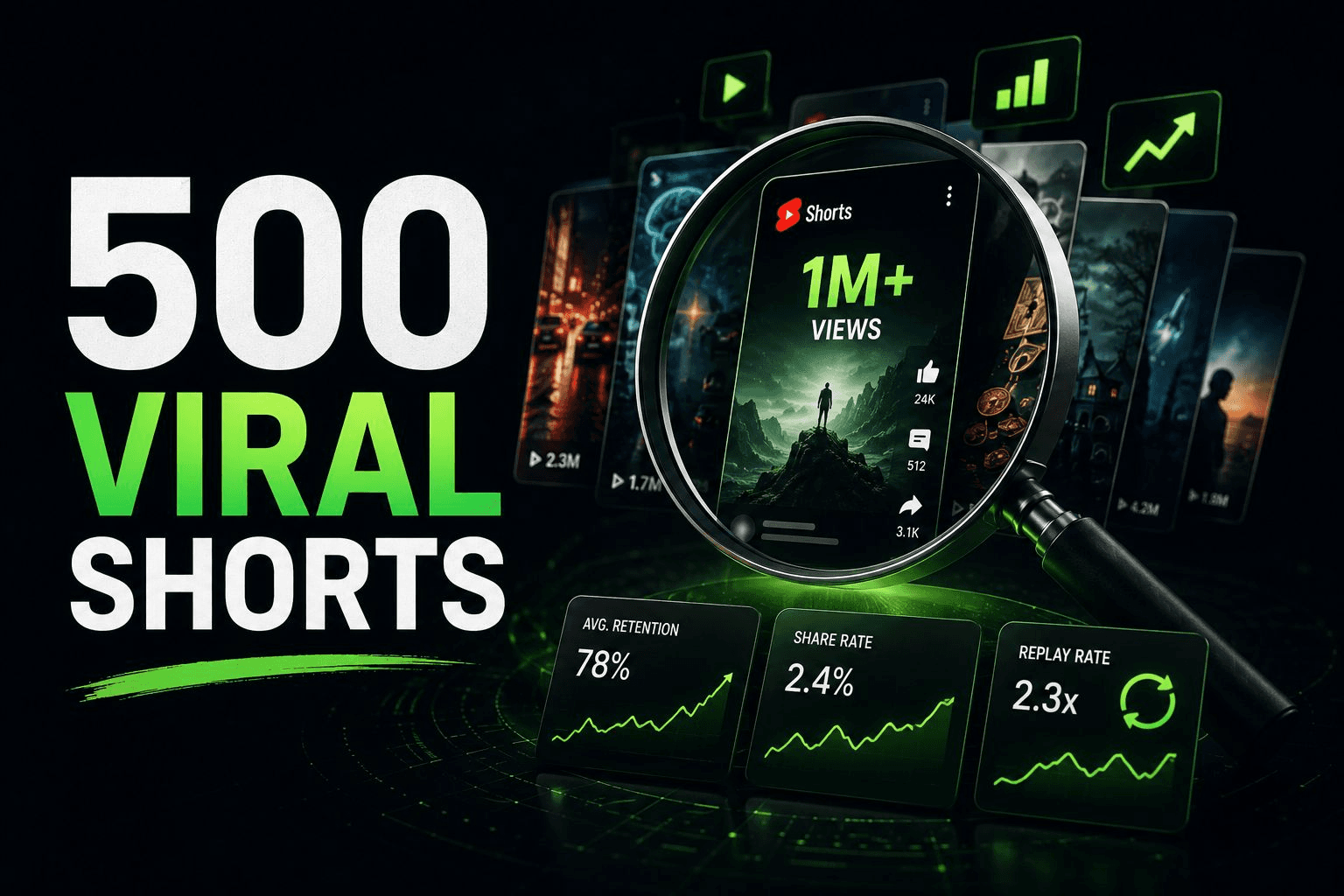
The data from 2026 points to a sweet spot of roughly 20 to 45 seconds. Most high-performing Shorts cluster around the 30-second mark. In our analysis of 500 viral faceless Shorts, we found the same pattern: the winners were not the longest or the shortest, but the ones that delivered a complete idea within a tight window and held viewers through to the end.
The benchmark to aim for: around 70% average view duration or higher. That is the retention floor where the algorithm begins giving you meaningful distribution. If your Shorts are consistently below that number, they are probably too long for the amount of value they deliver.
The fix: look at your retention graphs. Find the point where viewers start dropping off sharply. That is where your Short should have ended. Trim everything after the drop-off point, tighten the middle, and re-upload.
Fix #4: Remove Platform Watermarks and Fix Technical Issues
This is one of the simplest fixes, and one of the most overlooked. If you are cross-posting TikTok content to YouTube Shorts with the TikTok watermark still visible, YouTube will suppress your reach.
YouTube's detection system in 2026 is more advanced than most creators realize. It does not just look for the TikTok logo in the corner. The system scans for compression artifacts unique to TikTok's encoding, blur patterns from watermark removal tools, and even cropping irregularities. Simply cropping or blurring the watermark is not enough if the underlying compression fingerprint remains.
The best approach is to save your original, watermark-free video file before posting to any platform. If you create your content in an editing app, export the clean version first and then upload natively to each platform. This avoids the watermark problem entirely.
Beyond watermarks, check for these technical issues that can tank your Shorts:
- Low resolution. Shorts should be 1080x1920 (9:16 vertical). Anything blurry or pixelated signals low quality to both viewers and the algorithm.
- Black bars. If your video has black bars on the sides or top, it was not formatted correctly for vertical viewing. This hurts retention because it looks unprofessional in the feed.
- Audio quality. Distorted, echoing, or barely audible audio drives viewers away fast, even if the visual content is strong.
These technical issues do not just affect viewer experience. They send signals to the algorithm that your content is low effort, which reduces the chance of it being pushed to a wider audience.
Fix #5: Fix Your Hashtags and Metadata
Hashtags on Shorts serve a specific purpose: they help YouTube categorize your content and match it to the right audience during that initial test window. But most creators either use too many, use irrelevant ones, or skip them entirely.
Here is the key rule: if you use more than 15 hashtags on a single Short, YouTube ignores all of them. Every single one. Your hashtags become invisible. This is a hard limit, and going over it is worse than using no hashtags at all.
The optimal number, according to current best practices, is 3 to 5 hashtags per Short. This gives YouTube enough information to categorize your content without triggering spam filters. Choose hashtags that are:
- Specific to your niche (e.g., #PersonalFinanceTips rather than #Money)
- Descriptive of the content (e.g., #BudgetingForBeginners)
- A mix of medium-competition and niche terms
Place them in your description rather than your title. The first three hashtags from your description are displayed above your title automatically, keeping your title clean for keyword-rich, descriptive text.
Speaking of titles: your Short's title matters more than most people think. A Short titled "Part 47" or with a random emoji string gives the algorithm nothing to work with. Write a clear, descriptive title that includes your target keywords naturally. Think of it as a second hook for viewers who glance at the title before deciding whether to keep watching.
Fix #6: Vary Your Format (The Repetitive Content Filter Is Real)
YouTube's 2026 algorithm includes detection systems designed to identify and suppress repetitive, low-effort content. This is part of a broader crackdown on what the platform calls "AI slop," but it affects all creators, not just those using AI tools.
Here is how it works: if every one of your Shorts uses the same template, the same style of background footage, the same text layout, and the same structure, YouTube's systems may flag your channel as producing repetitive content. When that happens, your Shorts receive reduced distribution across the board.
The signals the system looks for include upload frequency combined with format similarity, lack of original commentary or perspective, minimal editing variation between uploads, and use of widely recycled stock footage or templates.
This does not mean you need to reinvent your format with every upload. It means you need to introduce enough variation to signal that each Short is a distinct piece of content. Some practical ways to do this:
- Rotate between different visual styles (talking head, screen recording, text-on-footage, animation)
- Change your text placement, font, or color scheme periodically
- Vary your intro approach rather than using the same opening template every time
- Add personal commentary or a unique angle, even when covering popular topics
- Mix up your audio sources (voiceover, music, natural sound, direct-to-camera speech)
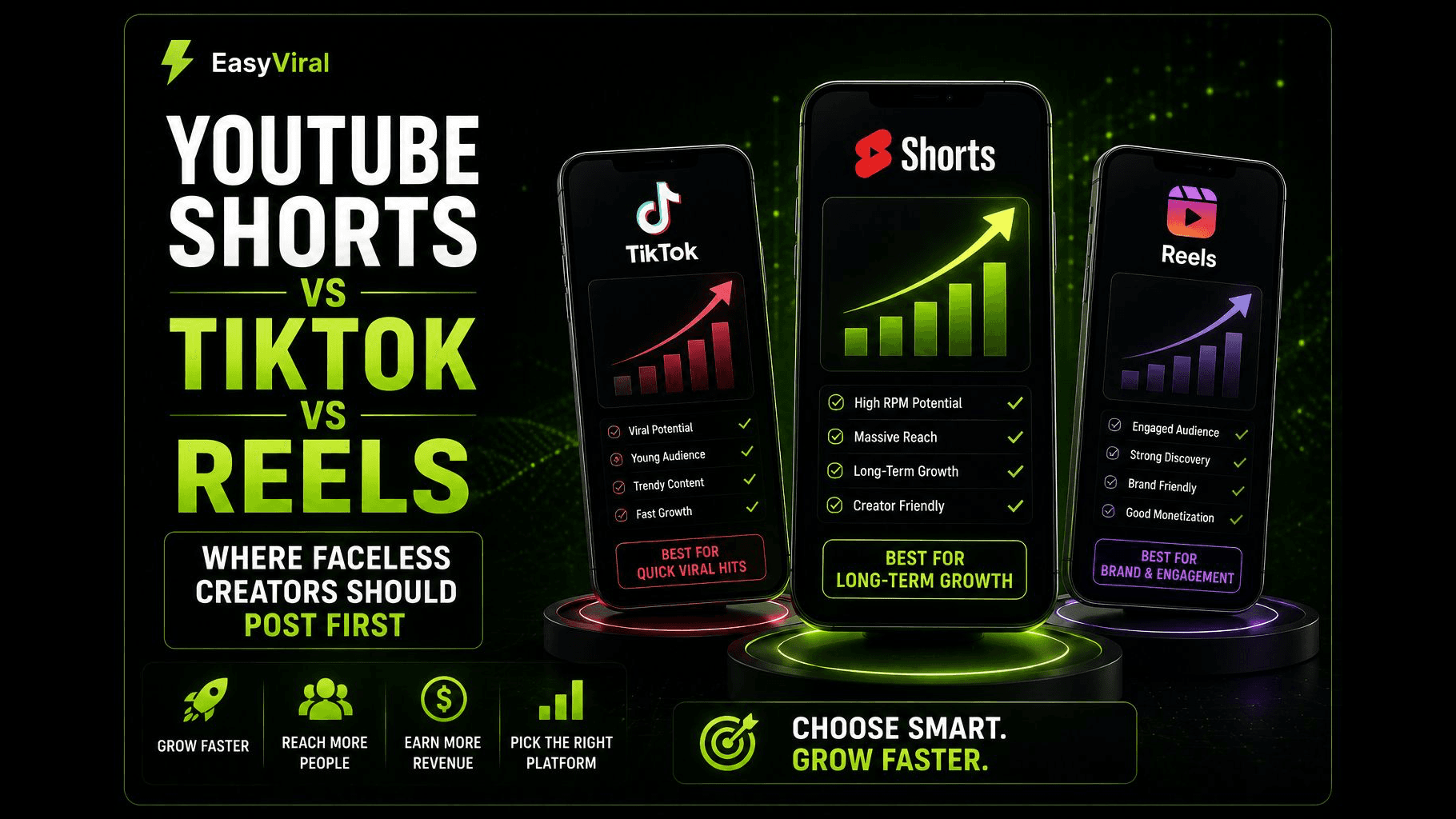
If you are running a faceless channel, this is especially important. The repetitive content filter hits hardest on channels that produce high volumes of visually similar content without distinguishing elements. The key is to make each Short feel like its own piece, even within a consistent brand.
Fix #7: Post at the Right Frequency and Time
Posting frequency and timing are not the most important factors in Shorts performance. Hooks, retention, and content quality matter more. But timing is one of the easiest variables to optimize, and getting it right gives every Short a better shot during that critical first-hour test window.
For frequency, the current best practice is one to two Shorts per day. Posting at least once daily keeps your channel active in the Shorts feed and gives the algorithm fresh content to test regularly. But there is a ceiling: posting three or more times per day with inconsistent quality can actually hurt you, especially if some of those uploads underperform and drag down your channel's average metrics.
Consistency beats volume. It is better to post one solid Short every day for a month than to post five a day for a week and then go silent. YouTube's algorithm rewards channels that demonstrate a consistent upload pattern.
For timing, the data from 2026 shows that Shorts perform best when posted just before your audience's peak activity windows:
- Morning commute window: around 7 to 9 AM in your audience's timezone
- Lunch break window: around 12 to 1 PM
- Evening wind-down: around 7 to 10 PM
The best approach is to check your YouTube Studio analytics. Go to the Audience tab and look at the "When your viewers are on YouTube" chart. That heat map shows your specific audience's active hours, which is far more valuable than generic recommendations.
If you are just starting out and do not have audience data yet, aim for late morning or early afternoon in your target timezone. This catches both the lunch break crowd and gives the algorithm time to test your Short before the evening peak.
Putting It All Together
If your Shorts are stuck at zero views, resist the urge to blame the algorithm or assume you have been shadowbanned. In almost every case, the issue comes down to one or more of the problems above.
Start by diagnosing. Look at your existing Shorts analytics and identify the pattern:
- If your retention graph drops off a cliff in the first three seconds, your hook is the problem (Fix #1).
- If retention is decent but views are still low, check your metadata, hashtags, and technical quality (Fixes #4 and #5).
- If individual Shorts perform okay but your channel overall is stagnating, you may be hitting the repetitive content filter (Fix #6).
Then fix one thing at a time. Change your hook strategy for a week and measure the results. Add captions to your next batch and compare. Trim your length and see what happens to retention.
The creators who break through the zero-views wall are not the ones who found a secret hack. They are the ones who systematically addressed each of these factors until their content consistently passed the algorithm's test window.